
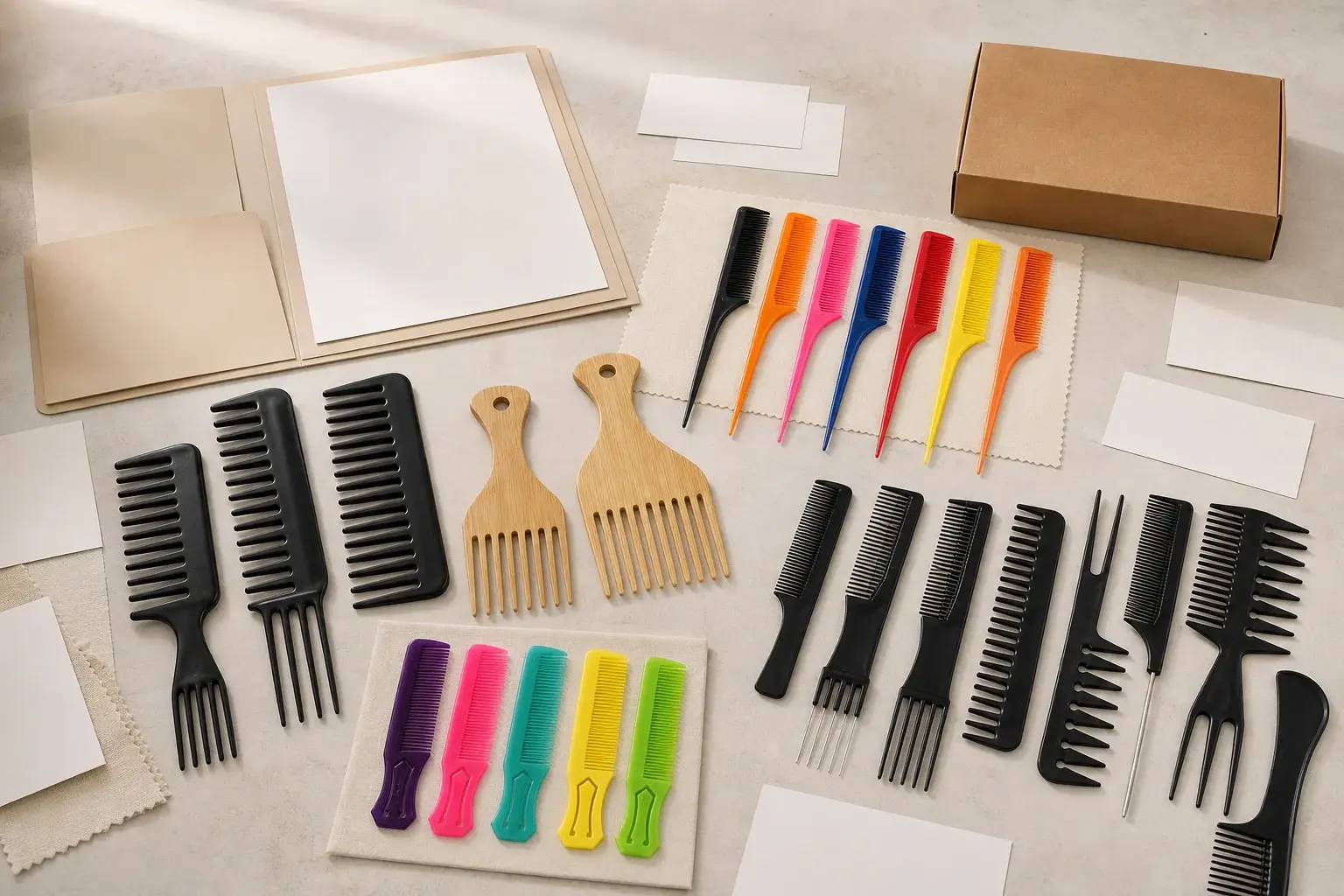
A custom comb sourcing file can look complete while leaving the product open to several reasonable interpretations. It may contain a reference photo, a total quantity, a logo mockup and the words retail box. None of those items tells the supplier which dimensions control, which material creates the intended result or what the package must protect.
The ten mistakes below are diagnostic. Each one points to a missing decision, the problem that decision can create and the document or approval that should settle it. The linked guides carry the detailed work.
Read the symptom and find the missing decision
When a quote, sample or production result feels wrong, begin with the controlling input. Ask which file defined the disputed feature, who approved it and whether production received the same version. This turns a broad complaint into a checkable gap.
The problem may sit earlier than the visible defect. A tight sleeve can mark a polished surface because packaging started before the finished comb was approved. A logo can look too small because the artwork was reviewed on a large screen without a finished physical size. Trace the issue back to the first decision that remained open.
1. Starting with a photo and no product brief
A photograph can show the outline, color direction or mood that attracted the buyer. It does not identify which of those features must stay. It also leaves out the user, grooming task, dimensions, tooth zones, material, finish, branding, packaging, quantity by version and destination.
Two suppliers can read the same image differently. One may quote an available molded shape in a plain sleeve. Another may allow for a new profile, selected color and printed package. Both replies can be reasonable, yet their totals describe different products.
Prepare a custom comb product brief. Mark each decision as fixed, preferred or open, and explain what every photograph or physical reference is meant to control.
2. Treating comb materials as interchangeable
Wood, bamboo, injection-molded plastic and cellulose acetate arrive in different forms and follow different production routes. Acetate begins as sheet that is cut, machined, sanded and polished. A molded plastic comb begins with resin and reviewed tooling. Wood and bamboo bring natural grain and tone variation along with their shaping and finishing requirements.
A broad label such as plastic, acetate style or wooden look leaves room for a substitute that changes appearance, geometry, branding, evidence and production work. The error usually appears later when the sample matches the word while missing the result the buyer had in mind.
Define the use, appearance, geometry, finish, branding, evidence and quantity first. Then compare the relevant acetate and molded plastic route or the wood and bamboo options. Approve a named material and a representative physical reference.

3. Using fine or wide as the whole tooth specification
Fine, medium, wide and mixed are useful layout names. They do not define open gap, center-to-center pitch, tooth width, tooth length, taper, root, tip or the transition between zones. A comb can fit the category and still feel or work differently from the approved reference.
Put every tooth zone on a controlled drawing. State the spacing convention and measurement points, then review tooth roots, tips and edges on the physical sample. Keep exact values, tolerances and inspection methods specific to the selected product and process.
4. Buying a property word with no use or test condition
Flexible, durable, heat resistant, sustainable and compliant sound like requirements. Each word still needs a product version, use condition and way to judge the result. A material name alone cannot guarantee how the finished geometry, color, decoration and assembly will perform.
Write the exposure, expected behavior, destination and decision the evidence must support. Separate a material specification, supplier declaration, performance test, recycled-content record and finished-product inspection. The documents and tests guide explains why those records answer different questions.
5. Sending a logo image with no production instructions
A web image or presentation mockup may show the brand clearly on screen. It may lack editable vector paths, approved colors, finished dimensions and a placement tied to the actual comb. Thin lines and small text can change when the mark is reduced to product size.
The surface adds another decision. Printing, laser engraving, foil and molded branding create different effects and need different preparation. A flat blank area on a drawing may sit beside a tooth root, curve, pivot, polished edge or package contact point.
Send the original production artwork, approved color reference, finished size, orientation and a dimensioned placement view. Approve any adjusted production file and the branded sample on the selected material and finish.
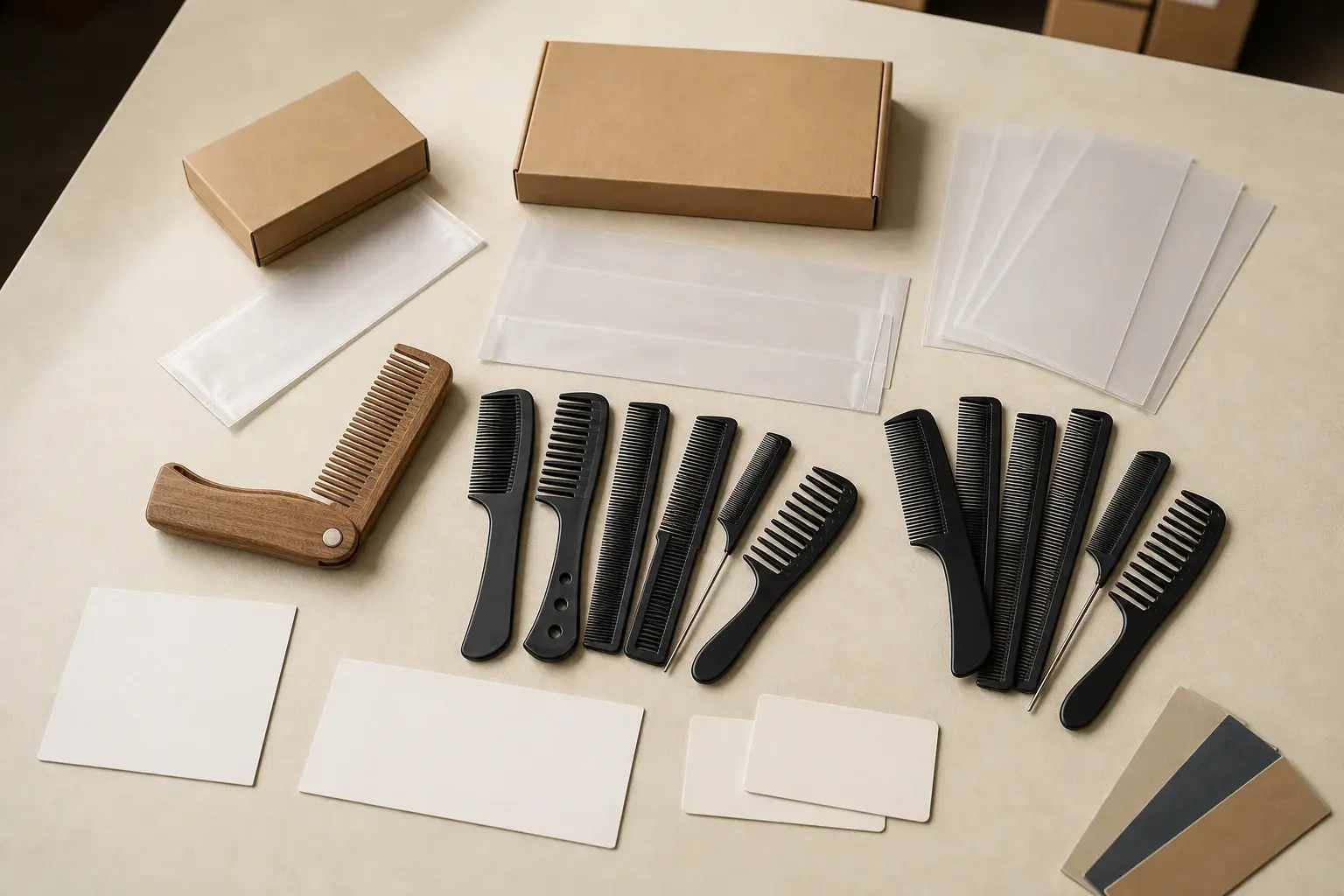
6. Leaving packaging until the comb is finished
Retail box, individual bag and gift pack are directions, not complete package specifications. The supplier still needs the structure, material, opening, insert, print, label, barcode, unit count, inner pack and master carton information.
Fit can also change the product result. A sleeve may rub a printed logo. A rigid insert may press near the tooth roots. A loose box may let polished edges strike the sides. Final artwork can wait on a structure that was never tested with the approved comb.
Develop the packaging brief around the current product version. Approve contact protection and structural fit before final print, then check the complete packed product with its labels, counts and orientation.
7. Comparing quote totals before the scope matches
The lowest total may cover an available shape while another quote includes new tooling. It may use a general material, one logo position, plain packaging or no requested test. A number can be accurate for the supplier's assumptions and useless for the buyer's intended product.
Send every supplier the same versioned request and leave missing information visibly open. Compare the product, material, development, tooling, sample, branding, packaging, inspection, documents and delivery line by line. Use the supplier quote comparison after the scope and exclusions have been made consistent.
8. Approving a sample without saying what it proves
A message that says looks good does not identify the sample, drawing, material, color, artwork or package under review. A material chip can approve color direction while saying nothing about tooth smoothness. An unprinted box can approve fit without approving the final print.
Use the sample approval record to name the sample and every controlling file. Mark each feature approved, conditionally approved or revision required. Record temporary features and accepted deviations before the sample releases later work.
9. Making a change without updating the production release
A color, resin, tooth, logo, package, supplier or process change can reach an already approved result. An informal message may alert one person while leaving the drawing, artwork, sample record or inspection criteria untouched.
Record the request, affected references, decision, cost and schedule effect and renewed approval needed. Issue a new revision before production continues. If an accepted sample deliberately differs from the drawing, update the controlling document so production and inspection do not receive competing instructions.
10. Treating a repeat order as automatic
An old purchase order can identify what was bought. It may not carry the final material, accepted appearance range, drawing revision, production artwork, package correction, inspection criteria or one-time deviation. Material availability, suppliers, labels, markets and evidence requests can also change.
Begin the reorder with the last approved production release. Run a buyer and manufacturer change check, decide which features need renewed approval and issue a current version. The repeat-order guide covers the full reference package and change decision.
Use a stage check before authorizing the next step
Each stage should leave a usable reference for the next one. The table keeps the check short enough to use while preserving the main decision.
| Stage | Question to close | Reference to release |
|---|---|---|
| Brief | What must the comb do and which choices are fixed | Controlled product brief and marked reference |
| Quote | Do all totals describe the same product and exclusions | Versioned RFQ and comparison sheet |
| Drawing | Are dimensions, teeth, branding area and pack fit defined | Approved drawing revision |
| Sample | Which features does this sample represent | Identified sample and approval record |
| Production | Did every approved change reach the current files | Production release and inspection criteria |
| Reorder | What changed since the last accepted production | Master reference, change review and new release |
The specific tolerances, sampling plan, testing scope, delivery terms and approval responsibilities still need order-level confirmation. A checklist exposes the gap. The current drawing, sample, artwork, package or commercial document has to close it.