
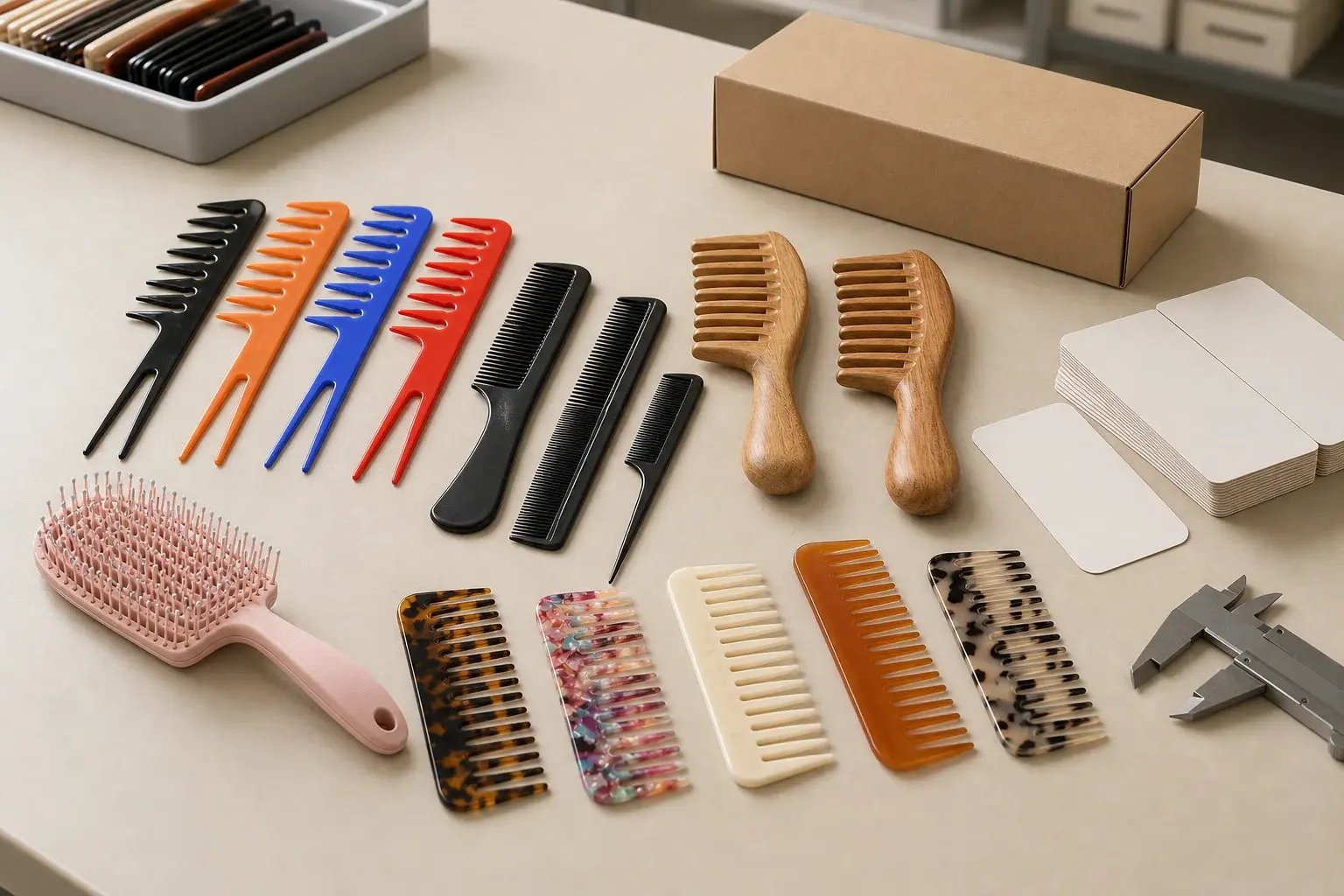
Same as the last order sounds precise until someone opens the old project folder. One drawing carries the original dimensions. A later email accepts a small change. The logo file has three revisions. The packaging artwork was corrected after the sample, and nobody added the correction to the first product brief.
A repeat order can therefore drift even when both sides intend to reproduce the same comb. Consistency begins by identifying the last approved production release, checking what has changed and issuing a new release for the current order.
Identify the last approved production release
Start with the version that actually entered production and was accepted. Match the purchase order, product name, drawing revision, material, approved sample, color reference, artwork, packaging files and inspection decision. Include any deviation that the buyer accepted for that order.
The newest attachment in an email chain may be a proposal, rejected revision or incomplete correction. File dates help with searching, though approval status decides which record controls. If the drawing, sample and inspection record disagree, resolve that conflict before copying anything into the reorder.
Build one master record with clear roles
Keep one indexed set of approved references. The drawing controls named dimensions and geometry. The physical sample carries the material appearance, surface, tooth and edge feel, assembly or other features that need a real object. Artwork files control the graphic. Packaging files control the structure, print and pack information.
The master set can include the following items.
- Product name, model, intended use and destination
- Drawing revision and critical dimensions
- Material description, grade or sheet reference where applicable
- Identified physical sample and close photographs
- Approved color target and accepted appearance range
- Logo method, production artwork, size, color and placement
- Packaging structure, dieline, artwork, labels and pack counts
- Applicable documents, tests and inspection criteria
- Approved deviations, decisions and change history
Agree how the physical and digital references will be identified, stored and kept usable for the expected reorder period. LuxoComb's exact retention period and internal record system require project confirmation.
Issue a new release for every reorder
Copying the master record does not release the new order. Add the current purchase order, quantities by version, destination, required date and approved changes. Give the reorder package its own identifier and approval status.
Keep open questions visible. An unavailable material, updated barcode or proposed process change should not disappear inside a note that says the rest remains the same. Production needs one current release that shows what is approved, what is changed and what still waits for a decision.
Run a two-sided change check
The buyer should list planned changes in quantity, assortment, color, logo, language, pack, market, claims and arrival requirements. The manufacturer should identify any change in material availability, supplier, grade, sheet, mold, tooling condition, production route, finishing method, branding method, packaging source or proposed inspection approach.
Silence does not prove that every input stayed the same. Ask each side to confirm unchanged items as well. Then connect every disclosed change to the reference, sample, document or inspection step it can affect.
| Changed item | Possible effect | Reference to review | Decision to record |
|---|---|---|---|
| Material or source | Appearance, processing, performance or evidence | Material specification, range and approved sample | Applicability and sample scope |
| Geometry or tooling | Dimensions, teeth, fit, function or surface | Drawing, tooling review and physical sample | Revision and renewed checks |
| Color or branding | Appearance, position, clarity or handling | Color reference, artwork and branded sample | Version and approval method |
| Packaging or market | Fit, copy, labels, counts or required evidence | Dieline, artwork, packed sample and document request | Pack release and evidence decision |
Confirm material identity and availability
A previous material name may be too broad for a repeat order. Confirm the supplier or producer, grade or specification, sheet pattern and thickness, species, finish, resin, color system and supporting record that matter to the approved product.
If the original input is unavailable, ask for the proposed substitute and the reason for the change. Compare it with the approved use, drawing, sample and evidence request before production. A similar trade name or appearance does not by itself establish the same processing or finished result.
Approve natural and patterned materials as a range
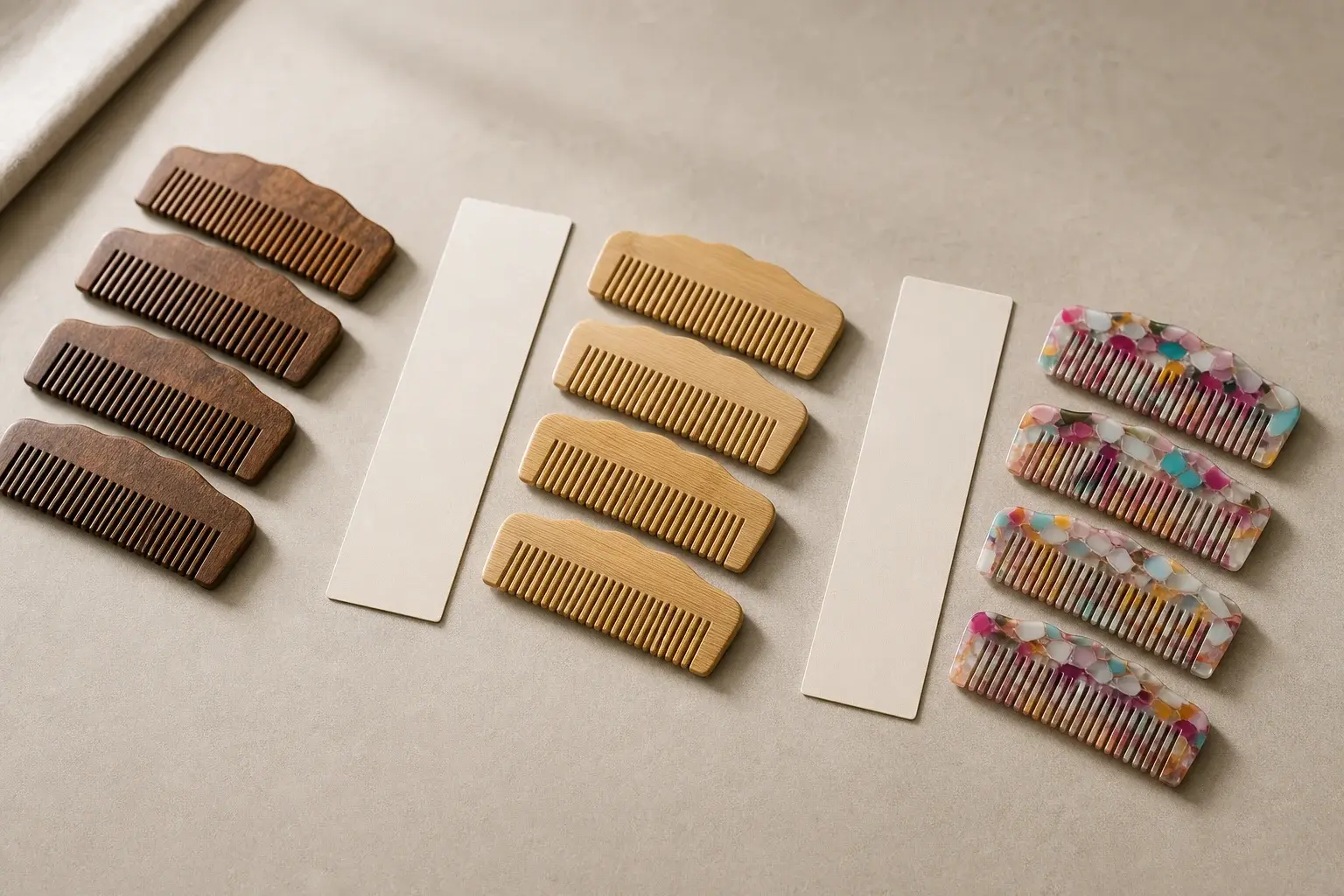
Wood, bamboo and patterned acetate can vary within the selected material. One photographed comb cannot describe every acceptable grain, tone or pattern placement.
Use several representative samples, clear photographs or written limits to show the approved range where practical. Compare the current material with that range before full production. Variation inside the range can remain acceptable, while a new appearance outside it needs a recorded decision.
Review tooling, process and finish changes
A reorder may use the same drawing while something behind the product has changed. Review the mold or tool used, any repair or modification, machining and tooth-forming route, sanding or polishing sequence, coating, assembly and other finish operations that can affect the approved result.
The supplier should explain the affected features. A process change near the tooth tips may call for renewed smoothness checks. A tooling change may reach dimensions, parting areas or assembly fit. Keep the exact tools, process limits, tolerances and inspection frequency specific to the order.
Separate every color and branding version
The same comb with a new Pantone target, regional logo, retailer mark, language or logo position becomes a new production version. Give each combination its own identifier, artwork and quantity. Do not let an old approved logo sample stand for a different surface, color or application method.
Keep production artwork with the reorder. A presentation mockup may show intent, while the production file carries the approved geometry, colors and version. Link the branded sample to the material, finish, method, size, position and viewing conditions that were reviewed. The color approval guide explains how material and finish remain part of that decision.
Release packaging with the current product
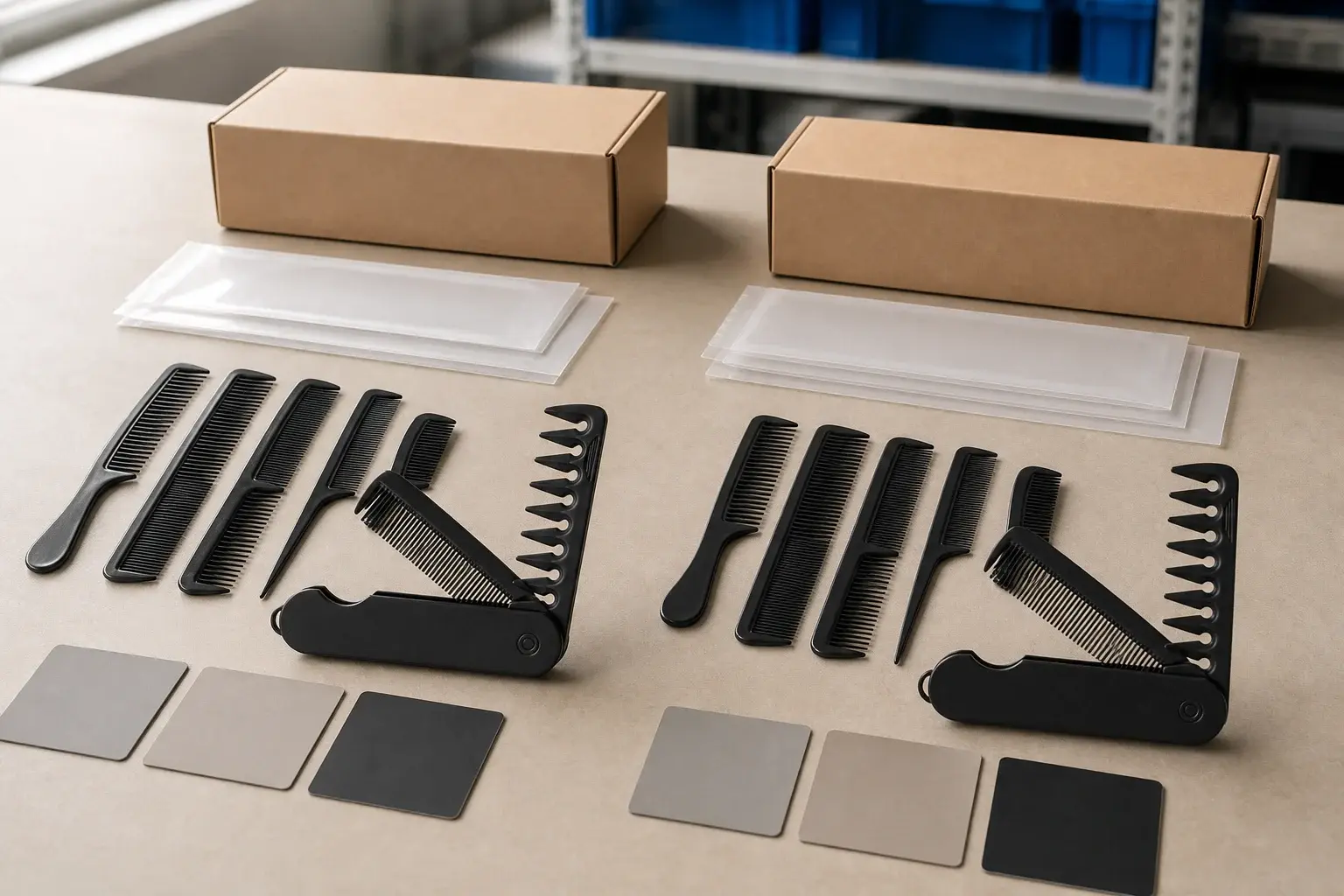
A repeat comb can enter a changed package. Review the structure, dieline, insert, copy, barcode, SKU, language, importer information, labels, claims, pack count, carton marks and product orientation. Match every file with the current product and market version.
Check fit again when the comb, insert, pack material or structure changes. An approved box can become too tight after a product revision, and an updated insert can cover the logo or press against the teeth. Use the packaging brief to keep the unit, inner and master pack records together.
Recheck destination, evidence and claims
The product may stay unchanged while the destination, retailer request, claim or document condition changes. Confirm who asks for the evidence, which product and component it covers, the named standard or document, the accepted holder or issuer and the required date.
Review whether an earlier material document, declaration or test still applies to the current supplier, grade, color, decoration, component and package. The documents and tests guide shows how to tie evidence to one approved production version.
Decide how much renewed approval is needed
The change review may support confirmation against the existing reference, a partial sample for the affected feature or a complete product and pack sample. Base the decision on what changed and which approved result it can influence.
A corrected contact name on an internal order record may leave the product reference untouched. A new resin grade can affect material, color, molding and evidence. A moved printed logo may need a new branded sample without reopening tooth geometry. Record the decision, reviewer, sample identity, features covered and any features carried forward from the previous approval.
The sample approval checklist can document approved, conditionally approved and revision-required results. A previous order does not remove the need to review a change that reaches the product.
Approve a current reference before full production
Use the agreed current-order sample or another confirmed early-production reference to review material appearance, dimensions, tooth and edge condition, color, branding, assembly, packaging fit and other affected features. State which parts represent the final order and which still wait for confirmation.
Connect that reference to the current drawing, material, artwork, package and approved deviations. If the sample deliberately differs from the master record, update the controlling document. The factory should not have to choose between a new sample and an old written value.
Inspect against the current reorder release
Incoming, in-process and final checks should name the current reorder version. Review the material, dimensions, teeth, surface, color, logo, function, package and quantity that apply to the product. Use the current accepted range and approved sample where appearance needs a physical comparison.
Record the finding, sample or batch identity, decision and required action. Specific tolerances, tools, sampling plans, AQL levels, tests and third-party inspection scope remain order-specific. The quality inspection guide provides a broader structure for those decisions.
Carry accepted deviations into the next record
An accepted deviation belongs with the order that approved it. Record the affected characteristic, actual condition, reference, decision, authorized reviewer and whether the acceptance applies once or changes the ongoing specification.
If the new condition becomes the intended standard, revise the drawing, range, artwork or package file. If the acceptance applies only to one order, keep the master requirement unchanged and mark the limit clearly. This distinction prevents a one-time decision from quietly becoming the next specification.
Make the new order the next usable reference
After release, replace provisional files with the versions that production used. Index the current drawing, material decision, sample, color, artwork, package, evidence, inspection result and approved deviations. Mark rejected and obsolete files so they cannot compete with the released set.
Record which items should be checked again at the next reorder and whether the physical references will still be available. The actual storage method, retention period and material-batch records should be agreed for the project.
Repeat-order release checklist
- Identify the last approved production release
- Confirm the controlling drawing, sample and accepted deviations
- Confirm the current material and approved appearance range
- List buyer, supplier, process and market changes
- Separate every product, color, logo and packaging version
- Review package fit, labels, counts and carton information
- Recheck documents, tests and claims for the current version
- Decide the scope of renewed samples and approvals
- Issue one controlled release for production and inspection
- Build the completed order into the next master reference
Use the LuxoComb project process to place drawing, sampling, production, inspection and packing decisions in order.